


NeMo Agent Toolkit – Multi-Agent Supervisor-Pattern local
After my last post, where I dissected the ReAct loop in detail and built the first custom GPU...
Read More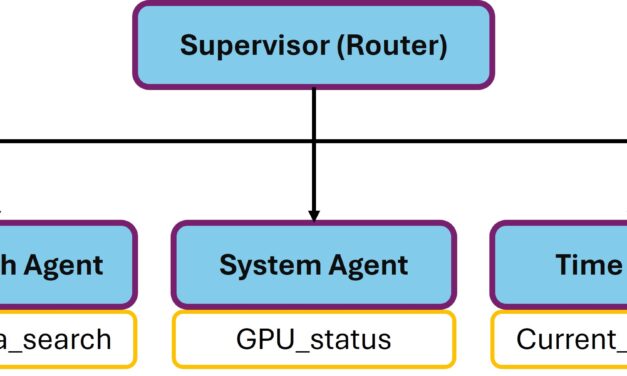
After my last post, where I dissected the ReAct loop in detail and built the first custom GPU...
Read More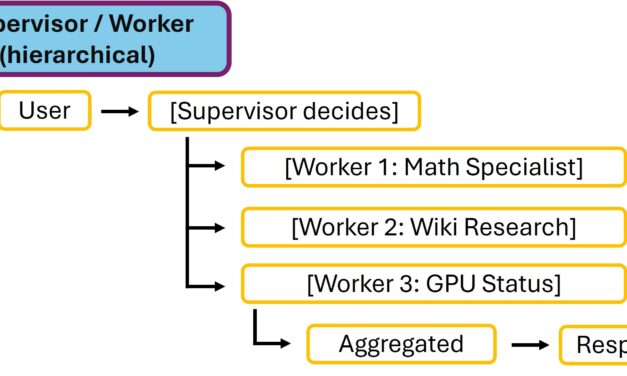
Agent orchestration is conceptually exactly the leap that turns “LLM inference” into...
Read More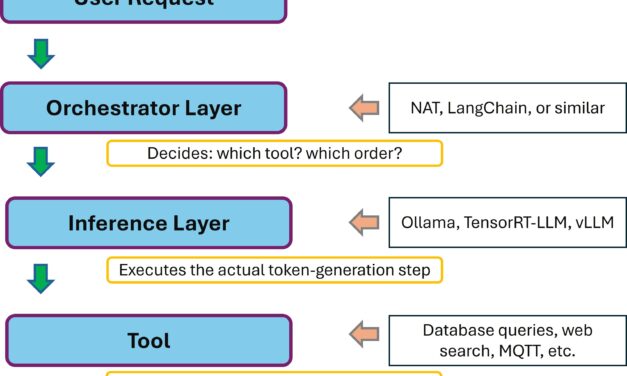
In my four-part TensorRT-LLM series I showed how I optimize inference performance on the RTX A6000...
Read More
After I showed you in Part 2 of my ESP-Claw series how I compiled ESP-Claw for the first time,...
Read More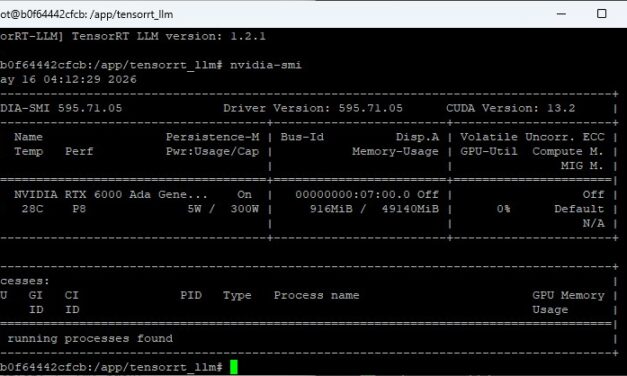
Whether I later want to run TensorRT-LLM, Ollama, vLLM, or any other container-based inference...
Read MoreMein neues Buch
Souveräne KI
Strategie und Aufbau der eigenen Open-Source-Infrastruktur
Eigene LLMs betreiben, unabhängig von der Cloud. Von der Hardware bis zum laufenden System.
Jetzt bei Amazon bestellenRoboter-Autos mit dem ESP32
Bauen, programmieren, steuern

Vom ersten Chassis bis zur WLAN-Steuerung. Schritt für Schritt zum eigenen Roboter-Auto.
Jetzt bei Amazon bestellenBuch und E-Book, Rheinwerk Verlag
Werbung / Affiliate-Link
The tutorial offers a clear and practical guide for setting up and running the Tensorflow Object Detection Training Suite. Could…
This works using an very old laptop with old GPU >>> print(torch.cuda.is_available()) True >>> print(torch.version.cuda) 12.6 >>> print(torch.cuda.device_count()) 1 >>>…
Hello Valentin, I will not share anything related to my work on detecting mines or UXO's. Best regards, Maker
Hello, We are a group of students at ESILV working on a project that aim to prove the availability of…