

Install LibreChat on Gigabyte AI TOP ATOM: Professional Chat Interface for Local LLM Models
After showing in my previous posts how to install Ollama, Open WebUI, ComfyUI, LLaMA Factory,...
Read More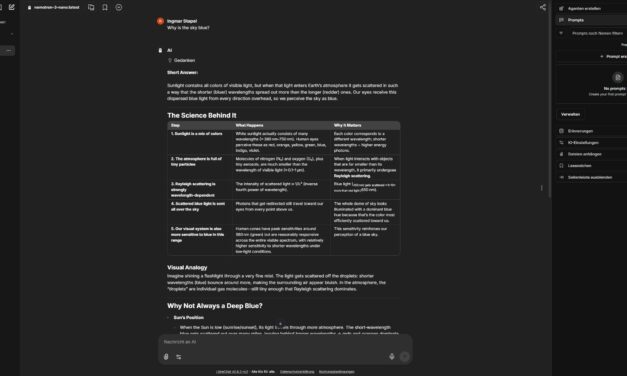
After showing in my previous posts how to install Ollama, Open WebUI, ComfyUI, LLaMA Factory,...
Read More
After showing in my previous posts how to install Ollama, Open WebUI, LLaMA Factory, vLLM,...
Read More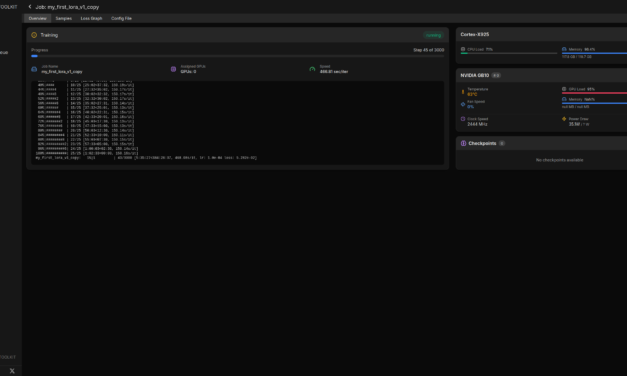
Phase 8: Compiling and Starting the Web UI Now I can compile and start the web UI. First, I switch...
Read More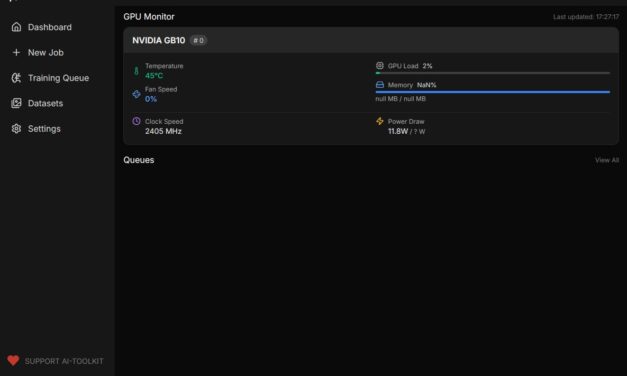
After showing in my previous posts how to install Ollama, Open WebUI, LLaMA Factory, vLLM, and...
Read More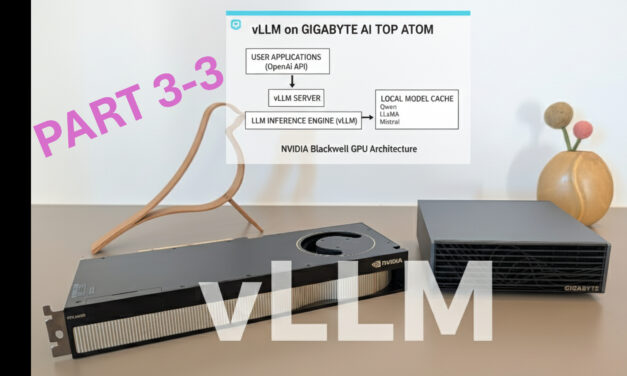
Download and Run Additional Models Locally Since you already downloaded models locally in Phase 4,...
Read More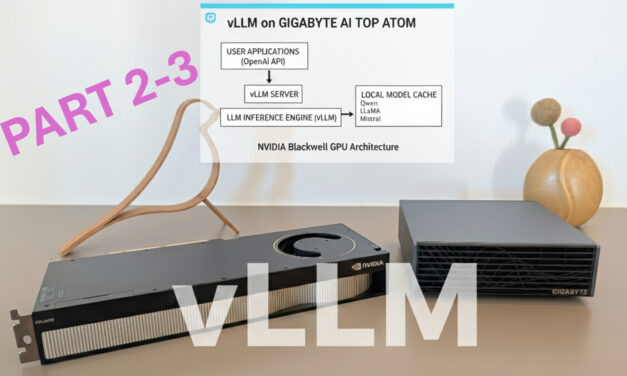
Configuring vLLM for Production Deployment (More Complex) For production use, I want to run the...
Read More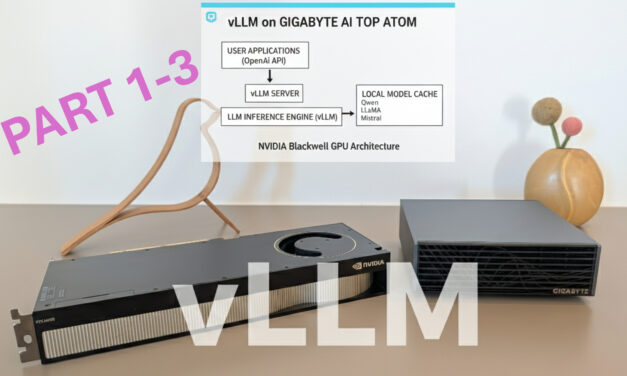
After showing you how to install Ollama, Open WebUI, ComfyUI, and LLaMA Factory on the Gigabyte AI...
Read More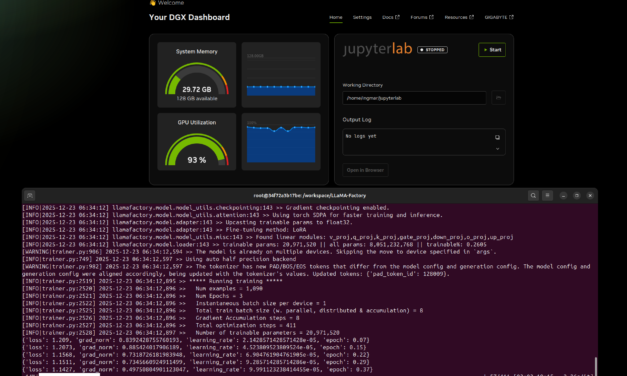
Phase 7: Start Fine-Tuning Training Before I start the training, I might need to log in to the...
Read More
After showing how to install Ollama, Open WebUI, and ComfyUI on the Gigabyte AI TOP ATOM in my...
Read More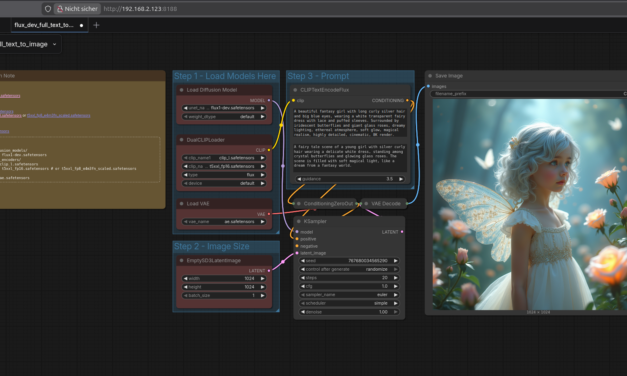
Phase 7: Start ComfyUI Server Now comes the crucial step: I start the ComfyUI server so that it is...
Read More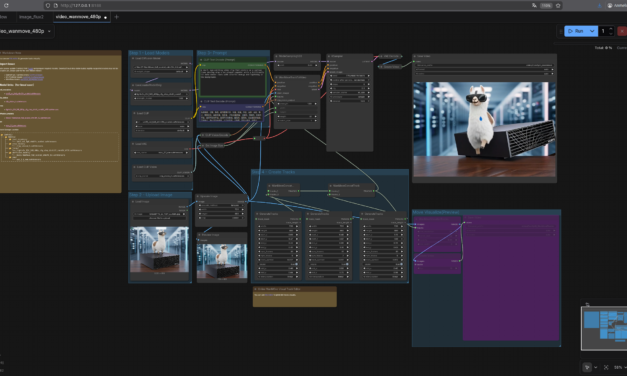
After showing you how to install Ollama and Open WebUI on the Gigabyte AI TOP ATOM in my previous...
Read More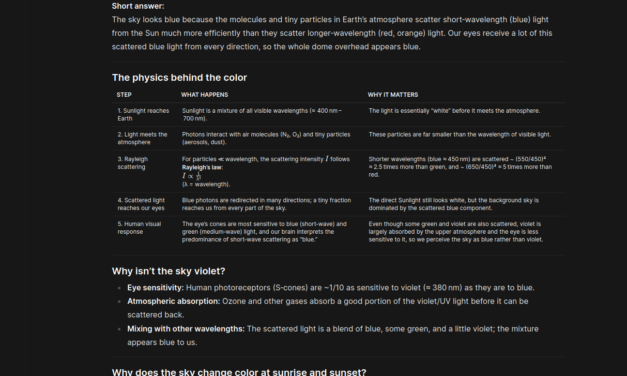
After showing you in the last post how to install Ollama on the Gigabyte AI TOP ATOM and configure...
Read More

The tutorial offers a clear and practical guide for setting up and running the Tensorflow Object Detection Training Suite. Could…
This works using an very old laptop with old GPU >>> print(torch.cuda.is_available()) True >>> print(torch.version.cuda) 12.6 >>> print(torch.cuda.device_count()) 1 >>>…
Hello Valentin, I will not share anything related to my work on detecting mines or UXO's. Best regards, Maker
Hello, We are a group of students at ESILV working on a project that aim to prove the availability of…